
Key takeaways
80% of surveyed business owners say no-shows take an emotional toll, not just a financial one.
Email reminders are widely used to reduce no-shows, cited as extremely critical by 83% of businesses.
Requiring deposits at booking protects your time and revenue—71% of businesses rely on them.
Cancellation policies give clients clear expectations and give you recourse when those expectations aren’t met.
75% percent of Acuity Scheduling customers report fewer no-shows after switching to the platform.
There’s a particular kind of frustration that comes with a no-show. You prepped for the appointment. You might have turned away other clients to hold the slot. You showed up. And then, nothing.
It’s easy to write off no-shows as an inevitable part of running a service business. But the data tells a different story. According to a recent Acuity Scheduling survey, 80% of business owners say no-shows take an emotional toll, not just a financial one. That part doesn’t show up on a profit-and-loss statement, but it shapes how your day feels and how predictable your schedule becomes.
This post walks through what no-shows actually cost, why they happen, and how to reduce them with practical steps you can put in place right away.
What does a no-show actually cost you?
A missed appointment affects your schedule, your revenue, and your workflow. Time set aside for one client is hard to fill at short notice, which creates a gap in your day that interrupts your momentum and limits what you can earn.
The financial cost of no-shows can be significant. If you charge $100 per session and see 10 clients a week, a 10% no-show rate costs you $400 in revenue each month. Seeing 25 clients per week? That’s a loss of $1,000. Over a year, you’re losing thousands of dollars, all from appointments that were already on your calendar.
And the toll doesn’t stop there. Whether intentional or not, a no-show can be demoralizing for service providers. It’s an erosion of trust in the client relationship, and a signal that your time isn’t always treated with the same care you bring to every appointment.
When scheduling stress starts to overshadow the work you actually want to do, something in the system needs to change.
Why do clients no-show?
Clients rarely miss appointments out of bad intentions. Life gets in the way, schedules shift, and without a reminder or a financial stake in showing up, an appointment can slip through the cracks.
A few common reasons clients don’t show:
They forgot. This is a common culprit, especially when a booking was made days or weeks in advance and wasn't saved on their calendar.
Something got in the way. Transportation issues, scheduling conflicts, and last-minute emergencies are all barriers. Without a clear cancellation policy, clients may simply not show rather than go through the effort of reaching out.
They didn't feel accountable. If there's no deposit or cancellation fee, some clients may not feel a strong obligation to follow through.
They had trouble rescheduling. If rescheduling feels harder than it should be, some clients will disengage entirely.
They were dealing with financial stress. A client who's stretched thin may quietly disappear rather than ask about rescheduling or payment options.
Their situation changed. For health and wellness businesses especially, clients may cancel because they're feeling better, feeling worse, or discouraged by a lack of progress. Anxiety or apprehension about the appointment itself can also be a factor.
Understanding why no-shows happen is the first step to preventing them. The right tools address these root causes directly.
How do automated reminders reduce no-shows?
Automated appointment reminders are the single most effective tool service business owners use to reduce no-shows. In the Acuity Scheduling survey, 83% of customers rated email reminders as very or extremely critical to their business, and 57% said the same of SMS reminders.
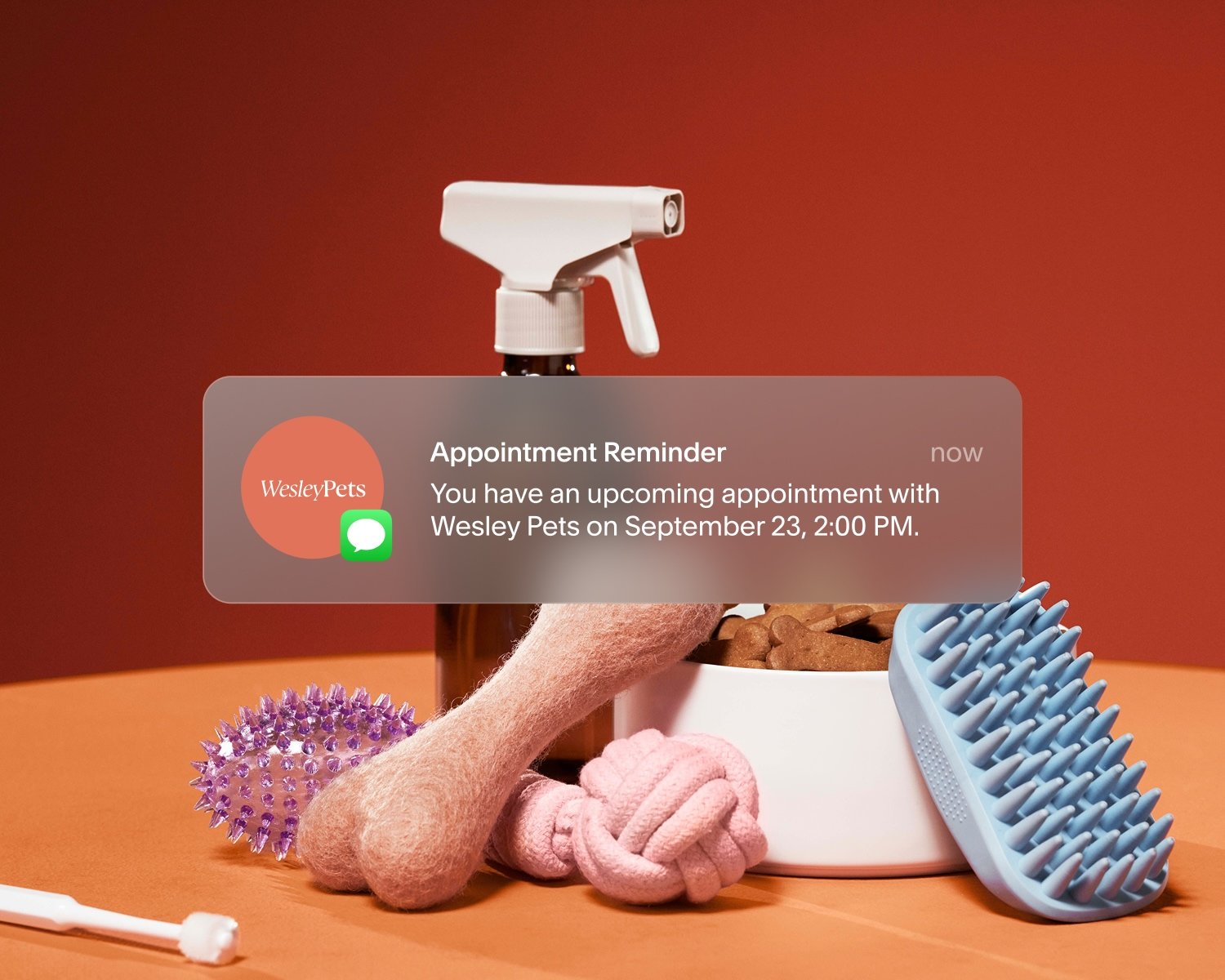
Everyone expects a confirmation in their inbox, so email provides a reliable baseline for appointment notifications. SMS adds urgency closer to the scheduled time. A text reminder sent 24 hours or even just 15 minutes before an appointment (“You have an upcoming appointment with [Business Name] on [Date time]”) lands differently than an email. It’s harder to ignore and easier to act on.
An effective reminder sequence might look like this:
Confirmation email sent immediately after booking
Email reminder sent 48 hours before the appointment
SMS reminder sent 24 hours before the appointment
With Acuity Scheduling, these reminders go out automatically. You set them up once, and they run in the background without any extra effort on your part. Each reminder can include the appointment details, like the time and location, and how to reschedule. This reduces the friction that leads to silent no-shows and gives clients a clear next step if plans change.
The key is timing and channel. Clients who receive both email and SMS reminders are far less likely to forget an appointment than those who receive no communication after the initial booking confirmation.
How do cancellation policies protect your business?
A cancellation policy gives clients clear expectations and gives you recourse when those expectations aren’t met. After email reminders, 73% of surveyed businesses said cancellation and no-show policies are very or extremely critical to their business.
A cancellation policy typically covers:
How much advance notice is required to cancel or reschedule without a fee
What happens if a client cancels within that window
What happens if a client doesn’t show at all
Without a policy in place, every no-show becomes a judgment call. Do you charge? Do you let it go? That ambiguity is exhausting, and it puts you in the position of having a difficult conversation with a client rather than a policy doing that work for you.
When your cancellation policy is built into the booking flow, clients see it before they confirm their appointment. They’re agreeing to the terms, not hearing them for the first time after something goes wrong. That clarity reduces disputes and makes the occasional awkward conversation much easier to navigate.
With Acuity Scheduling, you can display your cancellation policy on your booking page, use a custom form to collect client consent automatically, include it in confirmation emails, and set payment rules that align with your policy terms.
Should you require deposits to reduce no-shows?
Yes, and the numbers back it up. In the survey, 71% of Acuity customers noted that collecting deposits or prepayments is very or extremely critical to how their business runs.
A deposit creates a financial commitment. When a client has paid something upfront, they have a tangible reason to show up, or at least to reschedule rather than disappear. It shifts the dynamic from “I can always cancel” to “I’ve invested in this appointment.”
Deposits also signal the value of your time. Asking clients to pay in advance is a professional standard in many service industries, helping to protect the time you’ve personally invested while also ensuring the clients who do show up have a worthwhile experience.
When setting up deposits through Acuity Scheduling, you can:
Charge a percentage of the total service price
Require a flat fee at booking
Apply the deposit toward the full service cost
For higher-priced services or clients with a history of last-minute cancellations, requiring full prepayment may be worth considering as well. Learn more practical tips to reduce missed appointments.
What does a no-show reduction strategy look like in practice?
The most effective approach combines reminders, deposits, and a cancellation policy into one cohesive system. Each element reinforces the others.
Here’s a simple framework to start with:
Set up automated reminders. Start with a confirmation email at booking and an email reminder 24 to 48 hours before the appointment. Add SMS for a final nudge (available on Standard or Premium Acuity plans).
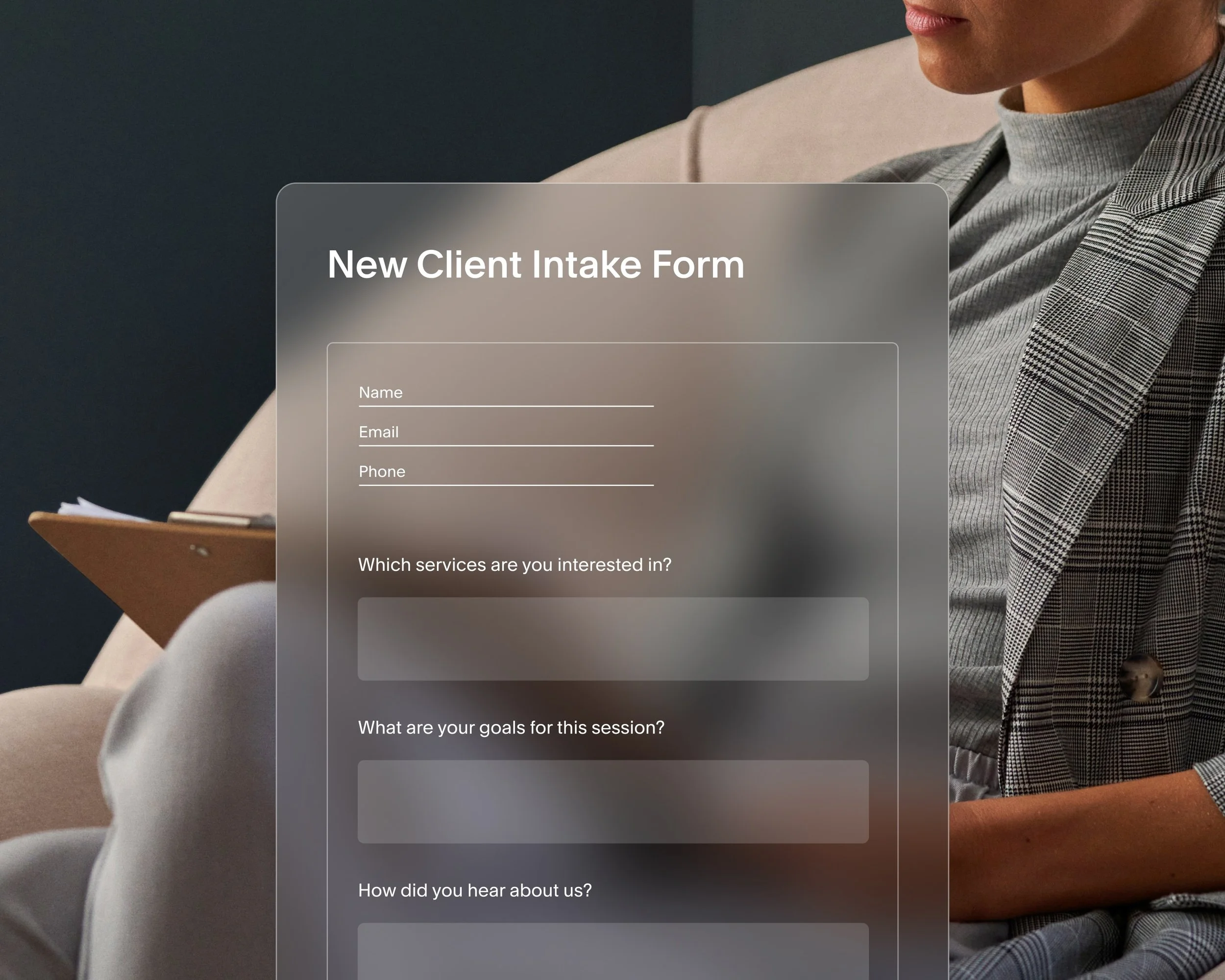
Publish a cancellation policy. Write it clearly, display it on your booking page, and add a checkbox for agreement as part of your online booking flow.
Require a deposit. Even a small deposit—10 to 25% of your service price—can meaningfully reduce no-shows. Set it up once to collect payment automatically at checkout.
Make rescheduling easy. When clients can reschedule themselves through a link in their reminder email, they’re far more likely to do so than to simply not show. Self-serve rescheduling benefits everyone.
When these pieces are in place, clients feel informed and accountable. You spend less time chasing people down and more time focusing on the work you’re there to do.
The results speak for themselves: 75% of Acuity Scheduling customers report fewer no-shows after switching to the scheduling software.
“By automating reminders and confirmations, Acuity also helps reduce no-shows, which directly protects my income.”
Build a schedule your clients respect
Your schedule supports your business and your energy. A clear, consistent booking process helps protect both.
Acuity Scheduling brings automated reminders, payments, and policies together, so your booking flow runs without constant oversight.
Start your free trial to see how a structured approach to scheduling can save you stress and keep your calendar full.







FAQ
Is a 10% no-show rate really a big deal?
It might not sound like much, but it adds up quickly. A 10% no-show rate means one out of every 10 appointments goes unfilled, and that time is rarely recovered. If you charge $100 per appointment and see 10 clients a week, that’s one missed appointment each week. Over a month, that’s $400 in lost revenue. Over a year, that’s nearly $5,000 that could’ve gone to growing your business.
That’s only the direct loss. It doesn’t account for the time wasted preparing, the impact of gaps left in the schedule, or the emotional toll on service providers. The upside is that a 10% no-show rate is often preventable.
What is the best way to prevent appointment no-shows?
The most effective approach combines automated reminders, a deposit requirement, and a clear cancellation policy. Reminders reduce the chance that clients forget, deposits create financial accountability, and cancellation policies set expectations upfront. Using all three together produces the best results, making it easier for clients to follow through and helping you hold onto more of the time you’ve already set aside.
How much should I charge as a deposit to reduce no-shows?
A deposit of 10 to 25% of the service price is a common starting point for service businesses. Higher-priced services or clients with a pattern of last-minute cancellations may warrant a larger deposit or full prepayment. The goal is to create enough financial commitment that showing up (or rescheduling) is the easier choice.
What should I include in a cancellation policy?
A clear cancellation policy should state how much advance notice clients need to provide to cancel or reschedule without a fee, what the fee is if they cancel within that window, and what happens in the case of a no-show. Keep the language simple and ensure clients see it before they complete their booking. Consult a legal expert if needed when drafting your cancellation policy.
Do SMS reminders work better than email reminders?
Both formats reduce no-shows, and using them together can be more effective than either one alone. Email reminders set the expectation at booking and serve as a longer-form communication channel. SMS reminders are more immediate and harder to miss, especially for appointments within 24 hours. Clients can receive text message reminders only if they've opted in to text messages. Service business owners who use both may see better outcomes than with one channel.
What’s the difference between a no-show and a late cancellation?
A no-show is when a client doesn’t attend their appointment and doesn’t contact you in advance. A late cancellation is when a client cancels within the window defined by your cancellation policy—close enough to the appointment that it’s difficult to fill the slot. Both have financial and operational impacts, and both are addressed by combining deposits, reminders, and a cancellation policy.
Can I automate my cancellation policy in Acuity Scheduling?
Yes. With Acuity Scheduling, you can set deposit requirements and display your cancellation policy directly in the booking flow to limit no-shows. Using a custom intake form, add a required checkbox question that states your policy and asks clients to agree before confirming their appointment. Clients check a box to acknowledge that they agree to your policy, and deposits are collected automatically at the time of booking. You can also customize reminder notifications to include your policy terms.
How do I talk to clients about a new cancellation policy?
Keep the conversation straightforward and focused on what’s changing. Let existing clients know about the new policy before it takes effect, explain the reason briefly (protecting your time and theirs), and give them time to adjust. For new clients, the policy speaks for itself when it’s built into the booking flow.