Comment passer de la planification manuelle à un système automatisé sans perdre de clients ?
Key takeaways
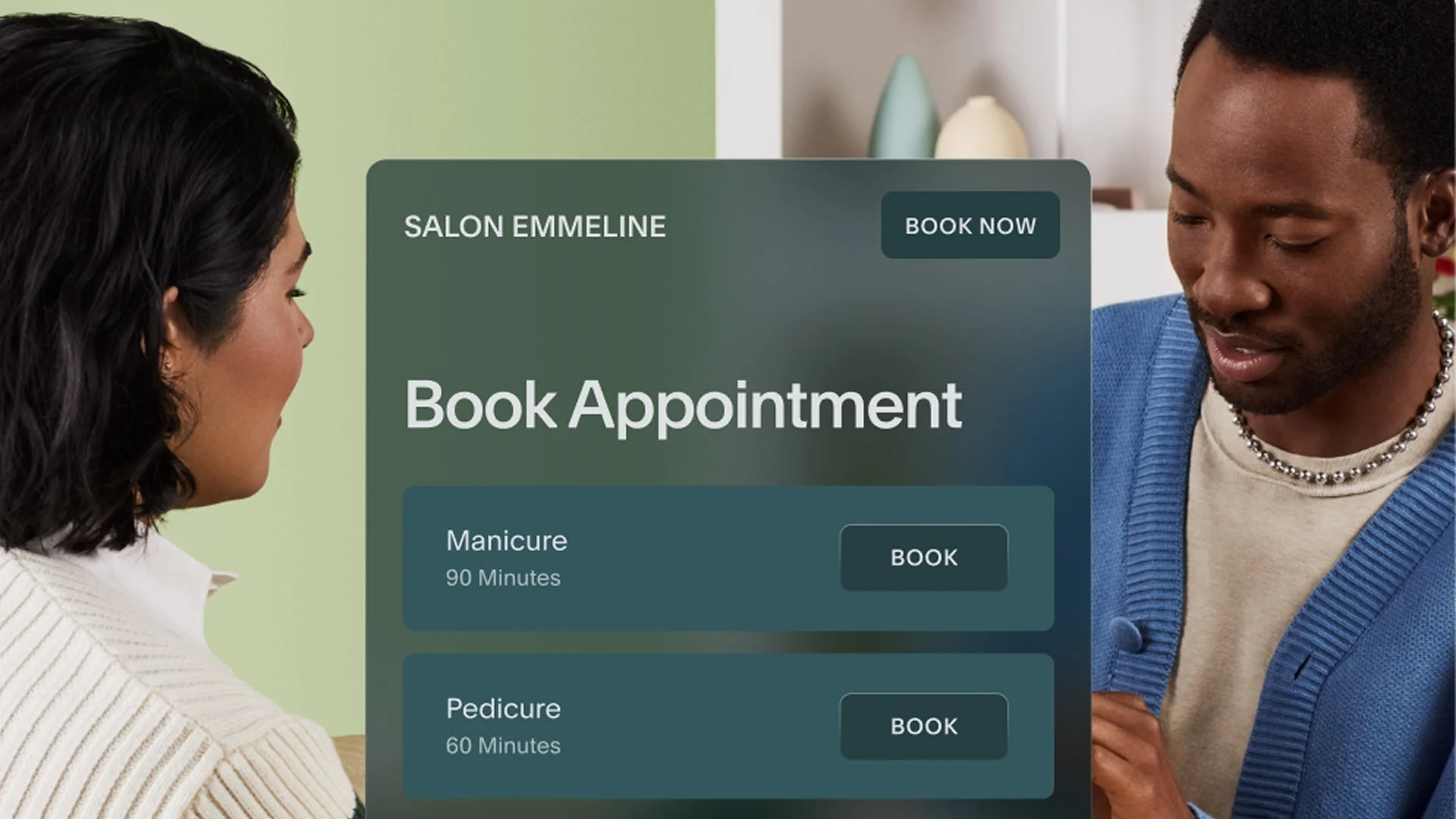
Automated scheduling removes admin work from your plate without removing the human touch from your business.
Starting with online booking alone can help ease the transition to a new system.
A confident, benefit-led announcement of the change builds trust with clients.
Branded pages, custom messaging, intake forms, and availability rules keep the experience personal even after automation takes over.
In a 2025 survey of Acuity Scheduling customers, 88% said manual scheduling is a source of stress, and 75% reported spending less time on admin after switching.
If you've been scheduling appointments by hand, switching to automated scheduling can feel surprisingly personal. Your clients are used to calling you, texting you, getting a reply from you. For a business built on relationships, it's natural to wonder whether software changes that dynamic.
It doesn't have to. When you approach the transition thoughtfully, automation makes the client experience smoother, more consistent, and more respectful of everyone's time—including yours.
According to a 2025 survey of Acuity Scheduling customers, 88% agreed that the back-and-forth of manual scheduling is a source of stress. Scheduling software relieves you of that administrative burden without costing you the relationships you've worked to build.
This guide walks you through how to make the switch in a way that feels intentional, human, and client-first.
Why manual scheduling eventually becomes a bottleneck
Manual scheduling works well in the early days of running a small business. Volume is manageable, requests are simple, and it's easy to stay on top of things.
Over time, though, the cracks start to show. Booking requests arrive at all hours. Simple confirmations require three back-and-forth messages. And somewhere in between the emails, the calls, and the calendar updates, you've lost hours you needed for actual work.
That's not a sign you're doing something wrong. It usually means demand has grown faster than your processes have. Scheduling software handles the parts of your workflow that don't need your personal attention, freeing you to focus on the parts that do.
Why do clients welcome online scheduling?
Some business owners assume clients will push back on automated scheduling. In practice, clients find it to be an upgrade.
Online booking gives clients the opportunity to schedule when it works for them, see your real-time availability at a glance, and receive immediate confirmation instead of waiting for a reply. It’s more convenient for them, and it gives you more room to show up fully once the appointment begins.
Acuity customers are already feeling the difference: 75% report spending less time on administrative tasks, and 52% say they've grown their client base. Automation doesn't push clients away. For most businesses, it does the opposite.
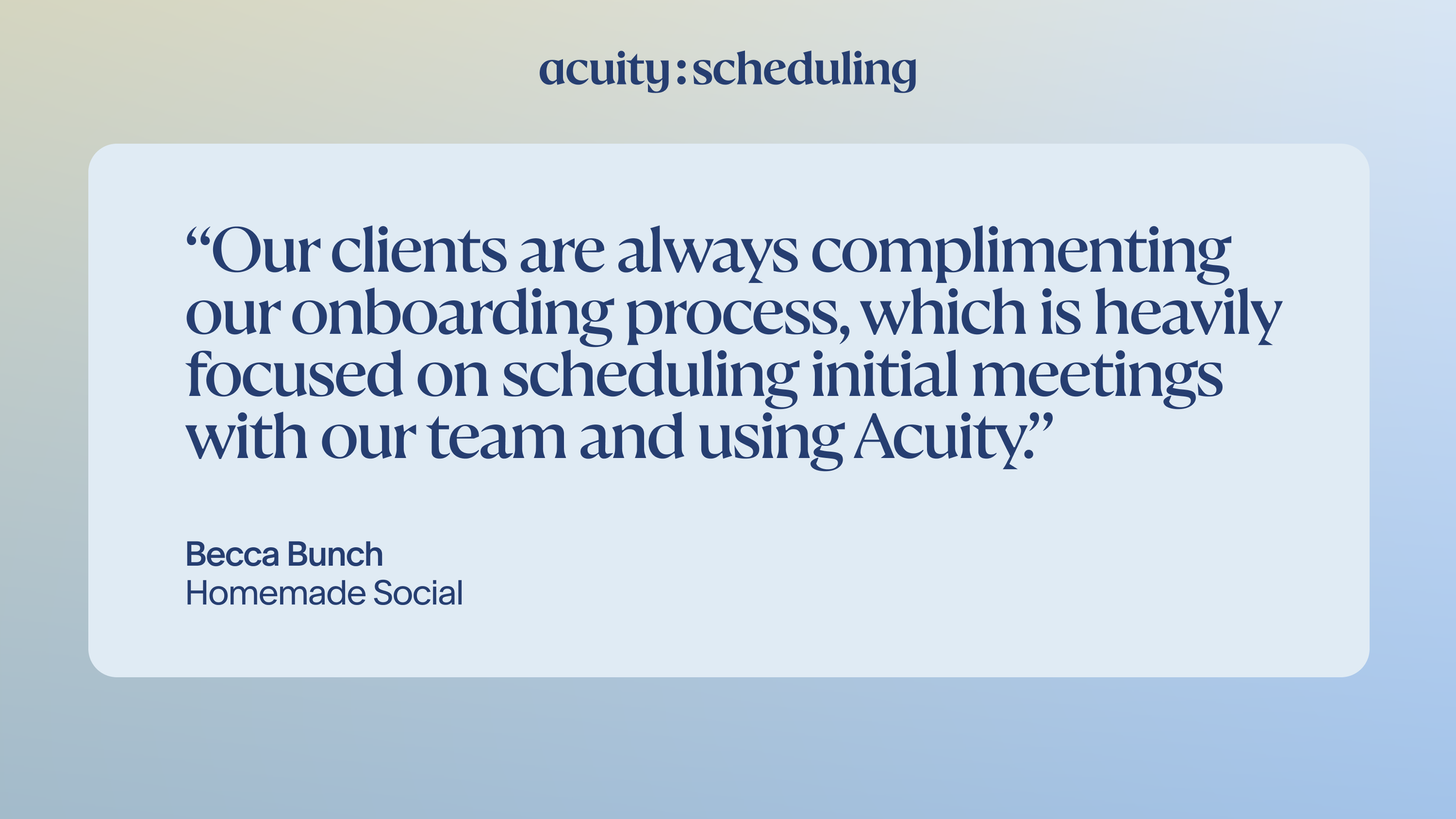
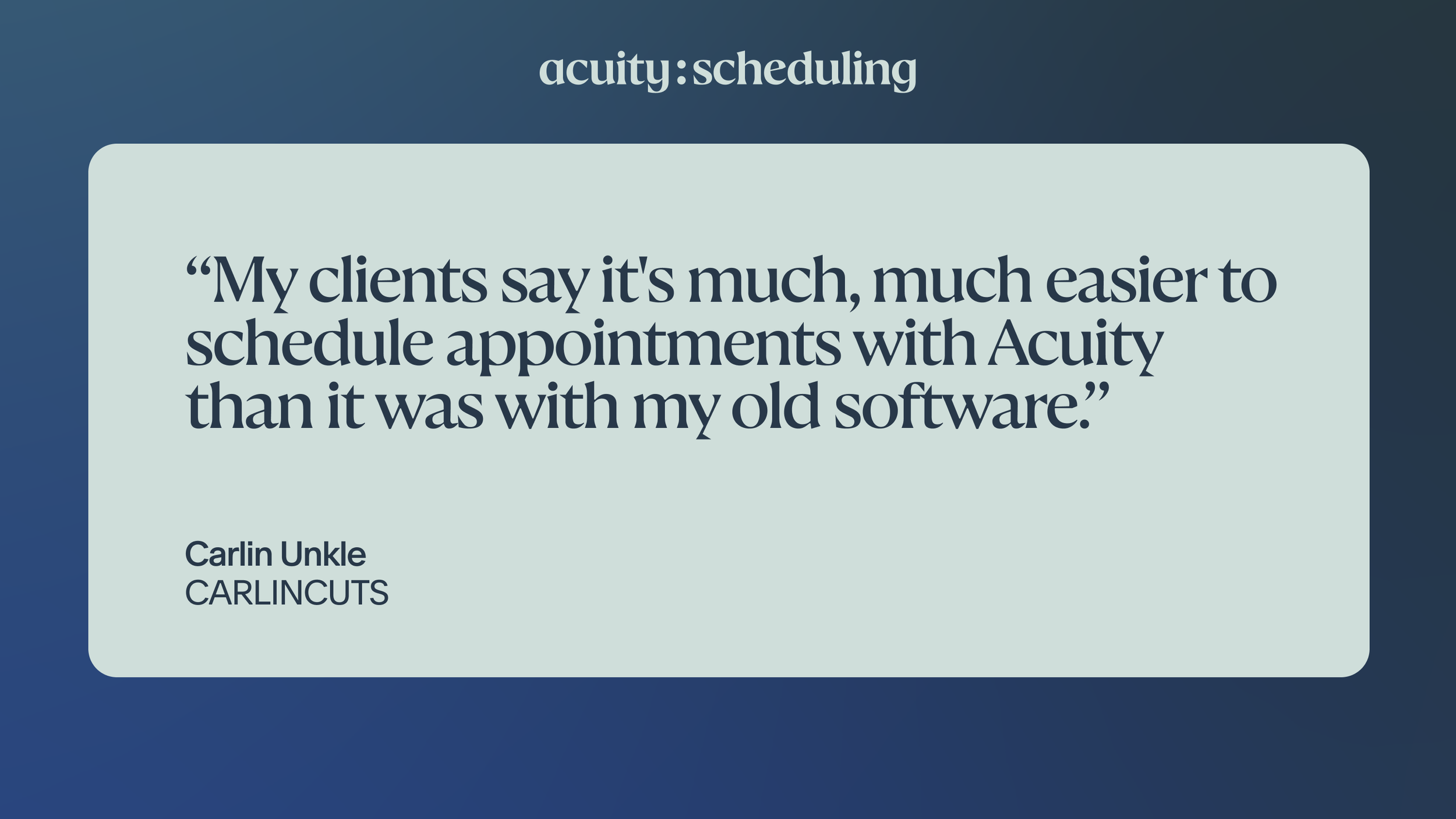
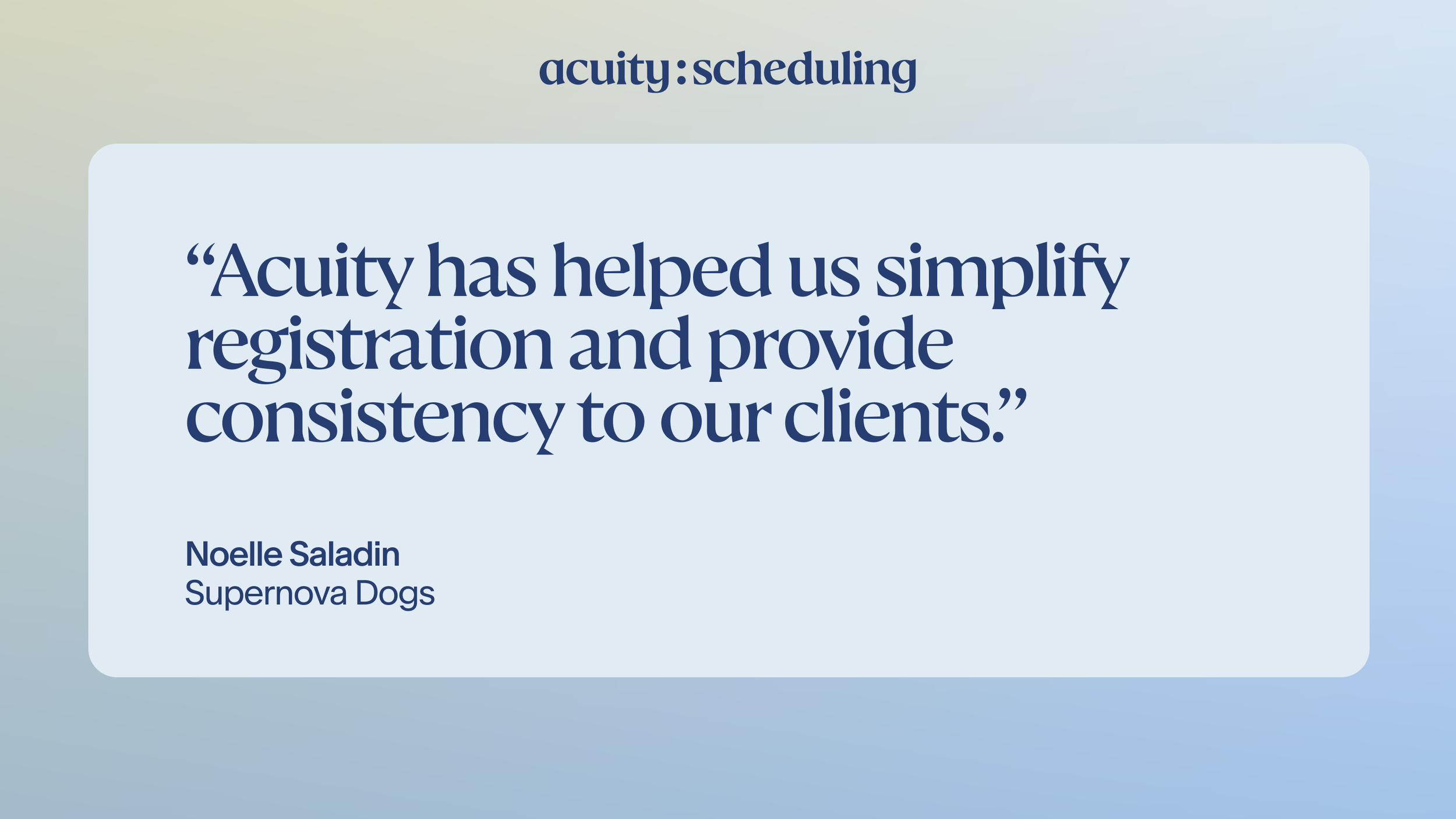
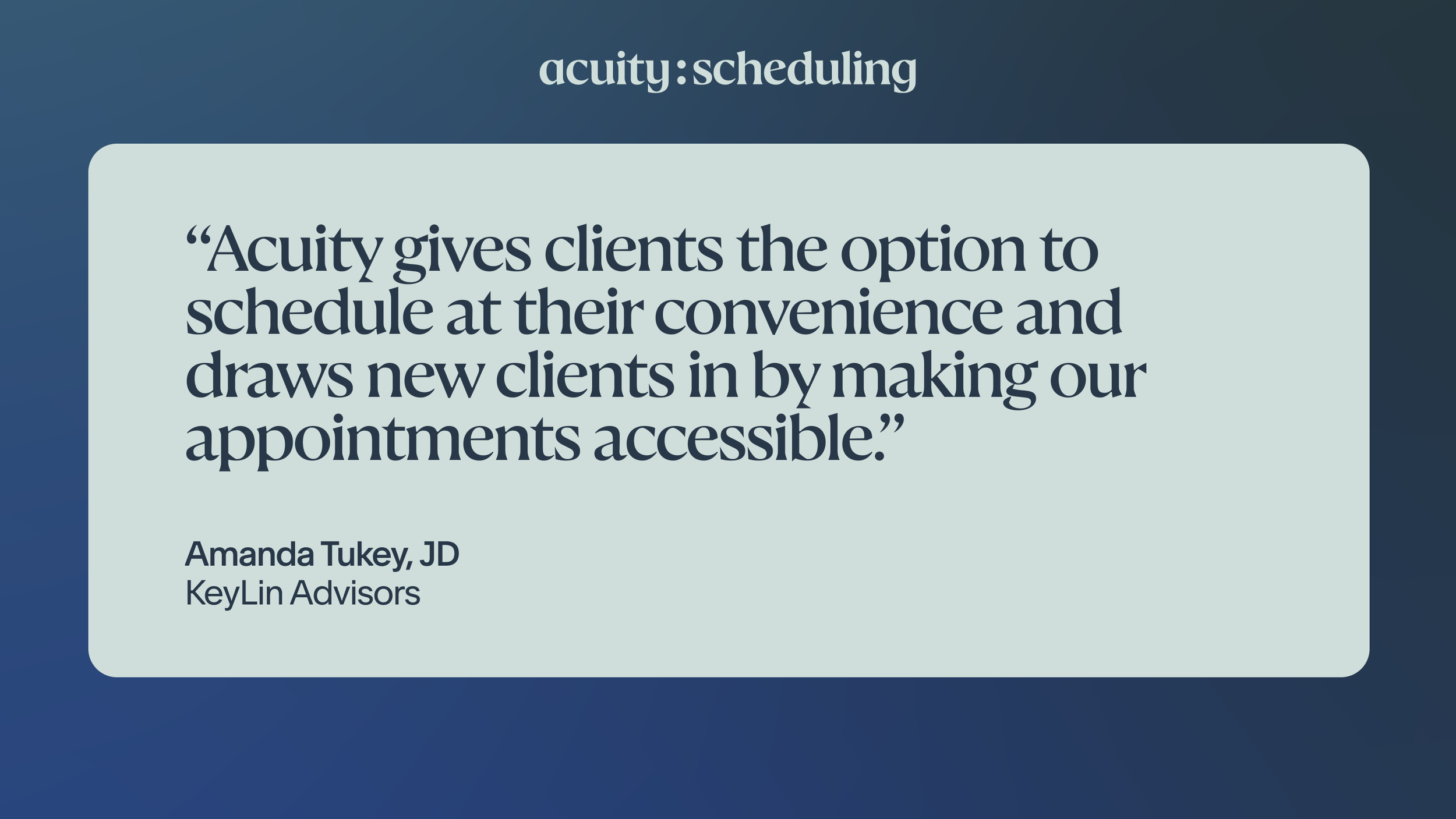
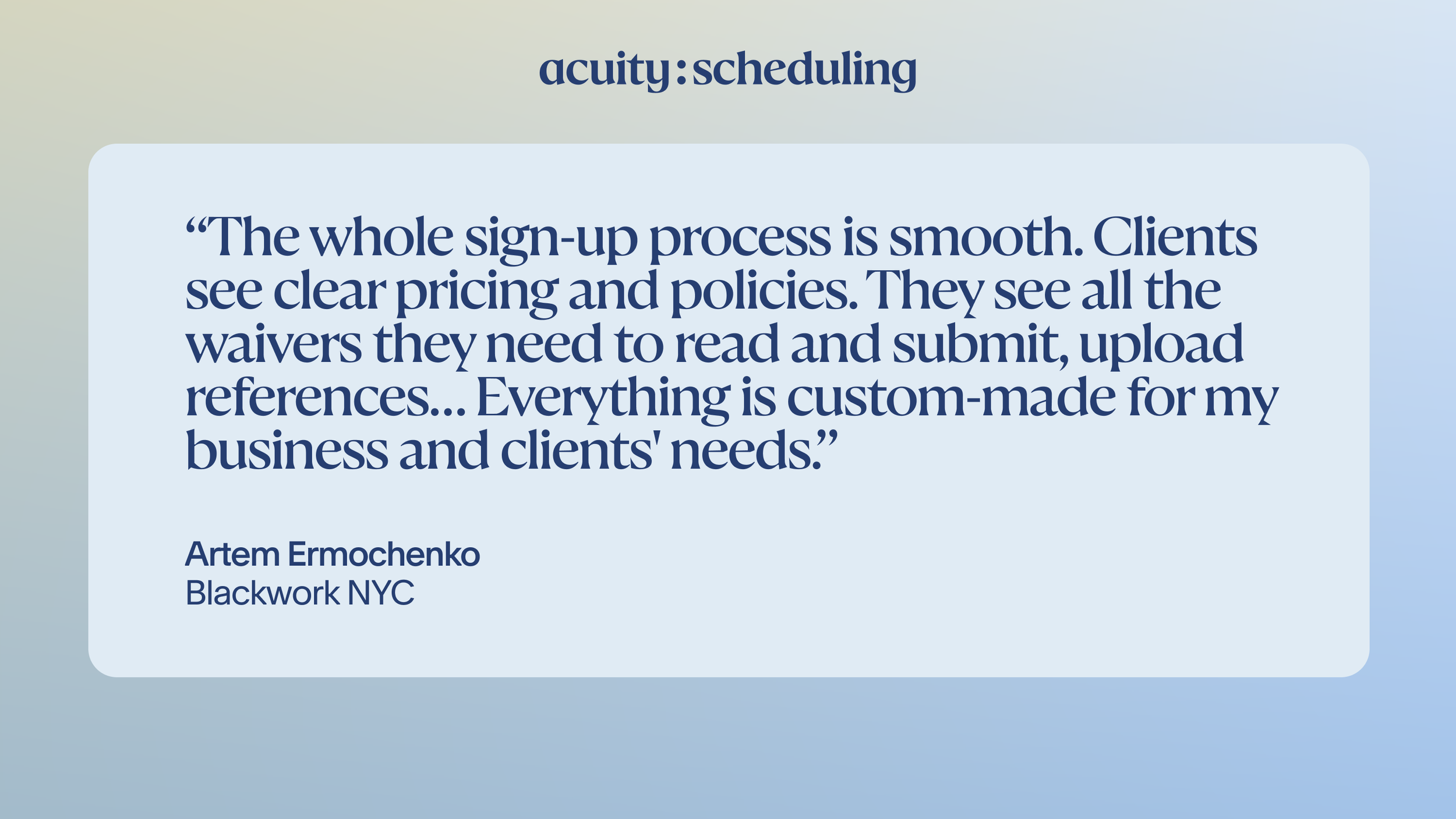
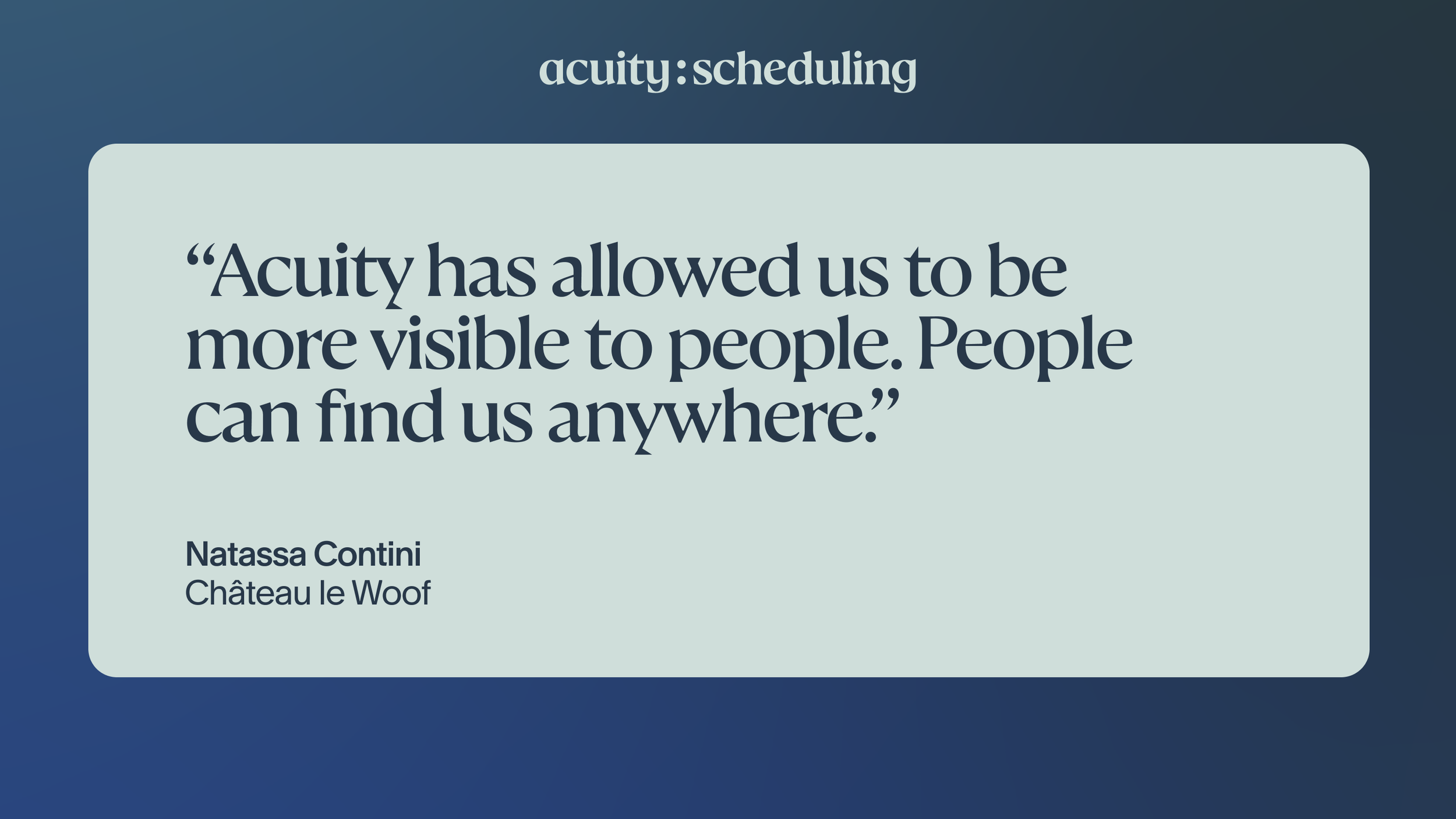
Here's what other businesses have said about their client experience:
Where to start: automate booking before anything else
If you're overwhelmed by adopting a new system or you're simply short on time, you don't need to turn on every feature on day one. Start with booking. Set up your appointment types and availability so clients can browse your services and pick their preferred time slot.
Once online booking feels natural, layer in other features where they genuinely reduce effort. For example, you can integrate your payment processor, automate client intake forms, or connect video conferencing for virtual sessions.
By easing in, the shift from manual to automated scheduling feels gradual rather than jarring. More than half of Acuity Scheduling customers surveyed say they've fully automated their booking process—a milestone that's easier to reach when you don't try to get there all at once.
What flexibility should you keep?
Automation doesn't mean rigidity. Before you configure anything, take stock of how you run your schedule today. Maybe you’ve been texting clients to confirm appointments, blocking off lunch hours by memory, or quietly reserving Friday mornings for regulars.
The habits and boundaries you've built up informally tell you something important about how you work best. The goal isn't to throw those out. It's to encode them into a system that enforces them for you, so you can be as hands-off as possible.
A few questions to ask yourself as you make this transition:
Do I have certain times of day or days of the week I try to protect? Build them into your availability settings so the system holds them for you. Set your bookable hours to reflect only the times you actually want to work, and add appointment padding to give yourself buffer time to prep, rest, or reset. Block off any non-negotiable times once and they stay yours.
Are there clients I give priority access to, or services I keep out of public view? In Acuity, private appointments are hidden from your public booking page and only accessible via a direct link you share. This is useful for services you offer to returning clients only, appointments at a different price point, or anything you'd rather not advertise openly.
Do I prefer that clients send a deposit to hold their spot? Build deposits into the booking flow so the expectation is set from the start, every time. You can collect a fixed amount or a percentage of the service cost at the time of booking without having to chase payment yourself.
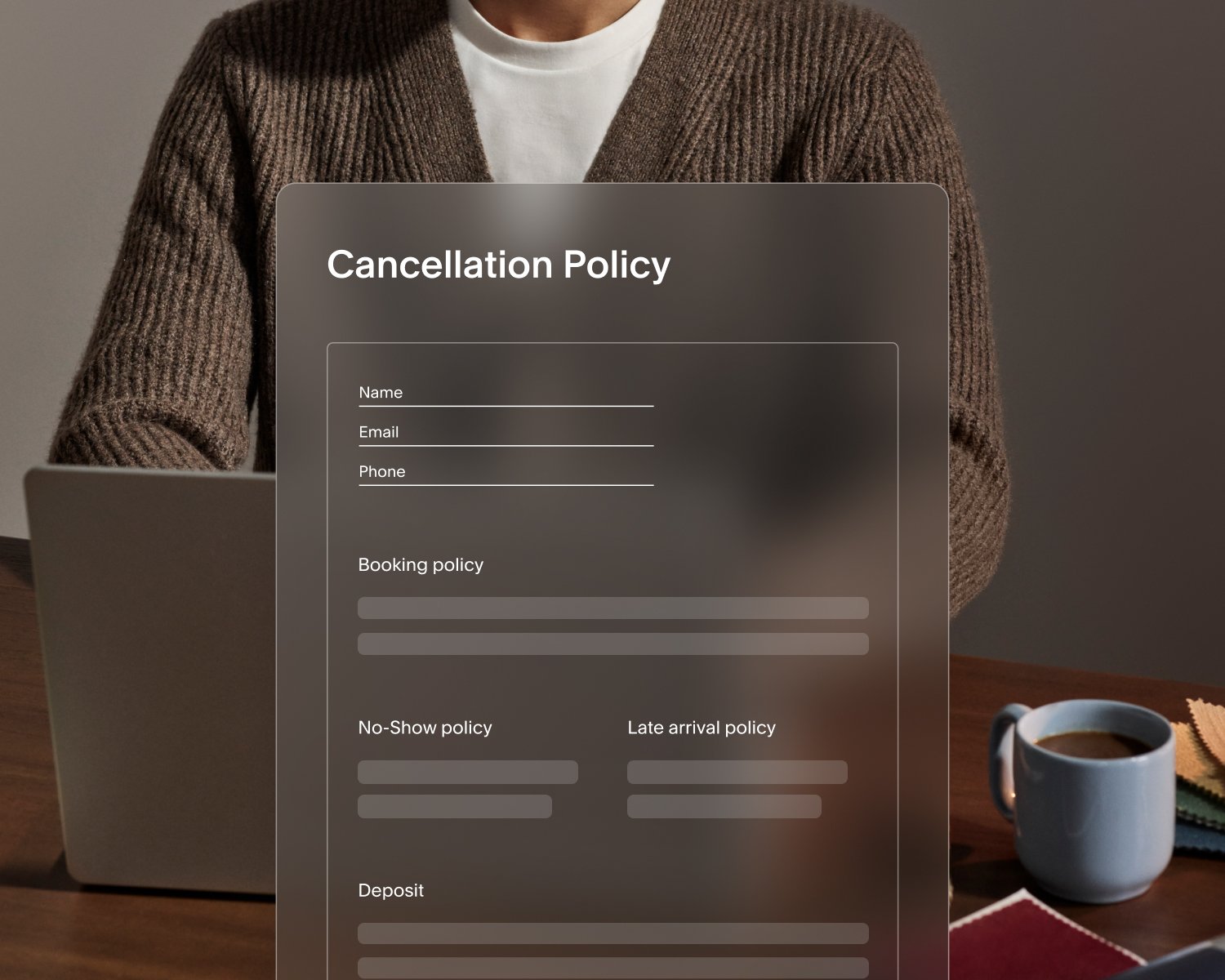
When a client needs to cancel or reschedule, how much notice do I expect? Self-serve cancellation and rescheduling reduces the messages you field when plans change, but you'll want guardrails in place. Set a minimum notice period—24 or 48 hours, for example—so last-minute changes don't leave gaps in your day. Clients who want to cancel or reschedule inside your cutoff window can contact you directly. You decide the policy; the software holds the line.
Do I mentally cap how many appointments I’ll take, or how many clients can attend a group session? Set a maximum number of bookings per time slot, day, or week so your software can automate that limit. If you host group classes or workshops, cap class attendance so you’re never at capacity.
Do I reserve certain hours for specific types of work? With availability groups in Acuity, you can assign different hours to different clusters of appointment types within the same calendar. For example, you might only like to book more involved sessions in the mornings and save afternoons for quicker appointments.
Do I meet with clients in different regions, and am I manually converting time zones to ensure we’re aligned? If you’re meeting with clients virtually, set up your scheduler to display your availability in each client's local time zone automatically. Clients see times that make sense for where they are, and bookings land on your calendar without any translation required.
Getting the finer details right before you launch means clients encounter a system that feels considered, not cobbled together. And you keep the flexibility to run your business on your own terms, without needing to intervene manually, which is the point.
How do you introduce online scheduling to existing clients?
Communicating your new online scheduling process to clients clearly and openly prevents confusion and gaps in service delivery.
When you announce automated scheduling to existing clients, lead with the benefit: it's easier, faster, and available whenever they need it. Let them know how to reach you if they have questions. Keep the message short and confident. You can also share your booking link in social media posts and in your bio, where loyal and prospective clients are already engaged.
Here are a few ways to frame the announcement:
"I've updated how appointments are booked to make scheduling easier for you."
"You can now book, reschedule, or confirm appointments online anytime."
You don't need to over-explain. A calm, matter-of-fact rollout signals that this is a natural evolution of how you work, not a disruption to worry about.
How do you keep the experience personal with automation?
Automation handles logistics. You still own the relationship.
There are several ways to keep the experience feeling human even after your booking process runs itself.
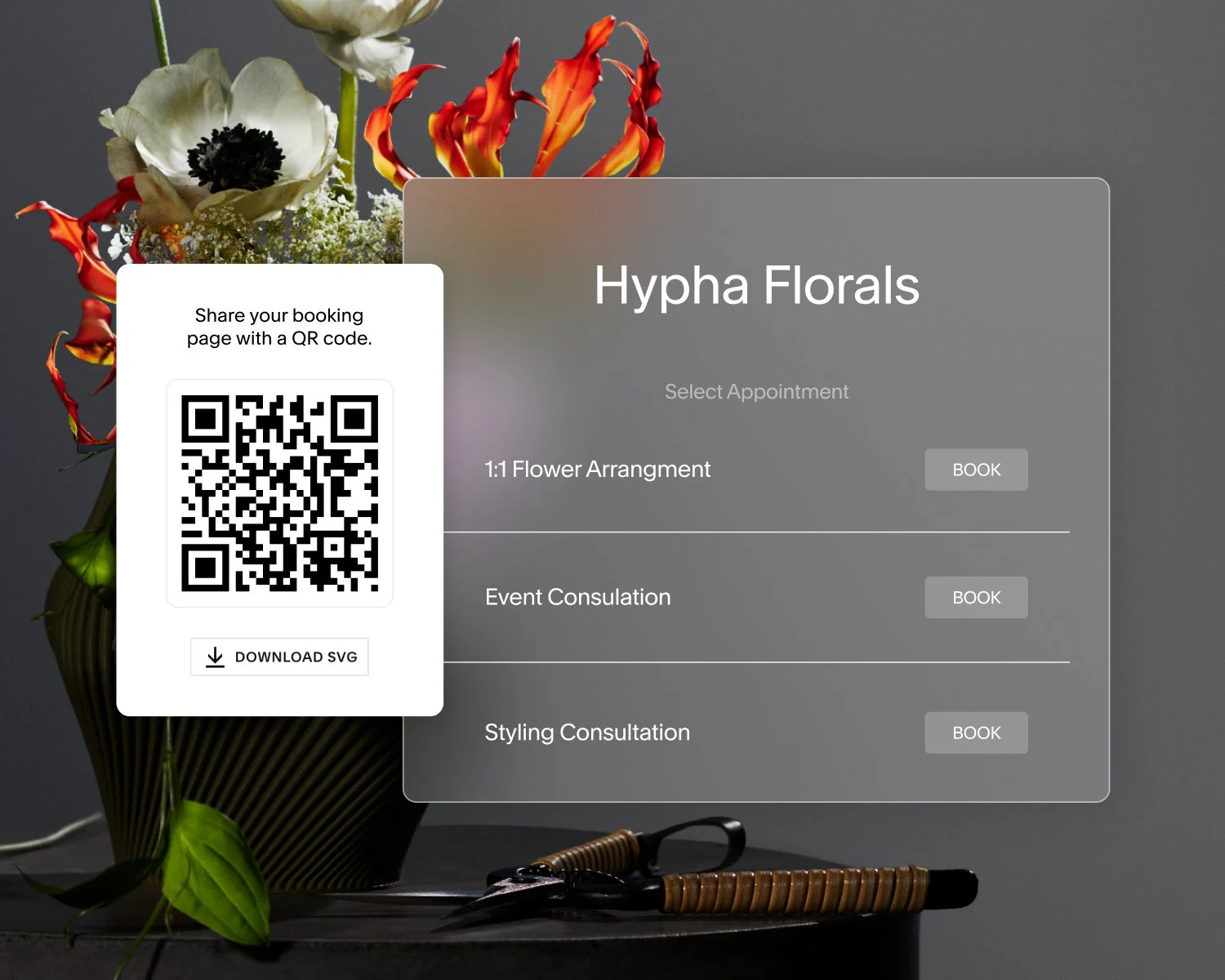
Add your company logo, fonts, colors, or other imagery to your booking page to make it a natural extension of your brand.
Customize your confirmation and reminder messages so they sound like you, not like a form letter.
Use intake forms to gather client context ahead of time, then use those details to personalize the session.
Build availability rules that reflect your actual energy and workload, so you show up as your best self.
Send custom follow-up emails after the appointment to ask about the client's experience, or offer an exclusive incentive to bring them back.
When clients receive clear communication and arrive at an appointment that feels prepared and intentional, the experience often feels more personal than a manual system that relied on memory and last-minute coordination.
Of businesses surveyed, 67% say Acuity increased their sense of professionalism, and half improved their branding. A well-built automated experience gives your business and your client relationships a stronger foundation for growth.
What about clients who still prefer booking manually?
Not every client will take to online booking right away, and that's fine.
You can manually add bookings for a small group of clients while you transition, or offer a hybrid approach for a few weeks while the new system becomes familiar. Gently pointing those clients to the booking link over time, without pressure, can work better than requiring the switch all at once.
Most clients adapt quickly once they've tried it. For those who need more time or aren’t as tech savvy, flexibility builds trust rather than undermining your adoption of automation.
When does automated scheduling become the default?
You'll know it's working when you see:
Faster booking turnaround and less time coordinating logistics
Fewer scheduling inquiries in your inbox and messages outside of business hours
Fewer double-booked sessions or frustrating no-shows
Positive feedback from clients using the new system
That's usually the right moment to make online booking the default, with manual scheduling as the exception rather than the rule. After switching to automated scheduling, 75% of Acuity customers reported reduced no-shows and 41% increased bookings. When those results start showing up in your calendar, you'll know the system is doing its job.
Scheduling software that supports your relationships
Moving from manual to automated scheduling isn't stepping back from your business. You’re creating space to show up where you're needed most.
With the right approach, automation cuts the back-and-forth, brings consistency to your client experience, and protects the time you'd otherwise spend on admin. The impact goes beyond the calendar, too:
62% of Acuity customers feel more in control of their business
54% feel less stressed
45% have greater control over their personal time
If you’re ready to make the switch, Acuity is built to back you up. Get started with booking, add features as you grow, and keep your clients at the center of everything. Your relationships stay intact. Your schedule finally runs the way it should.
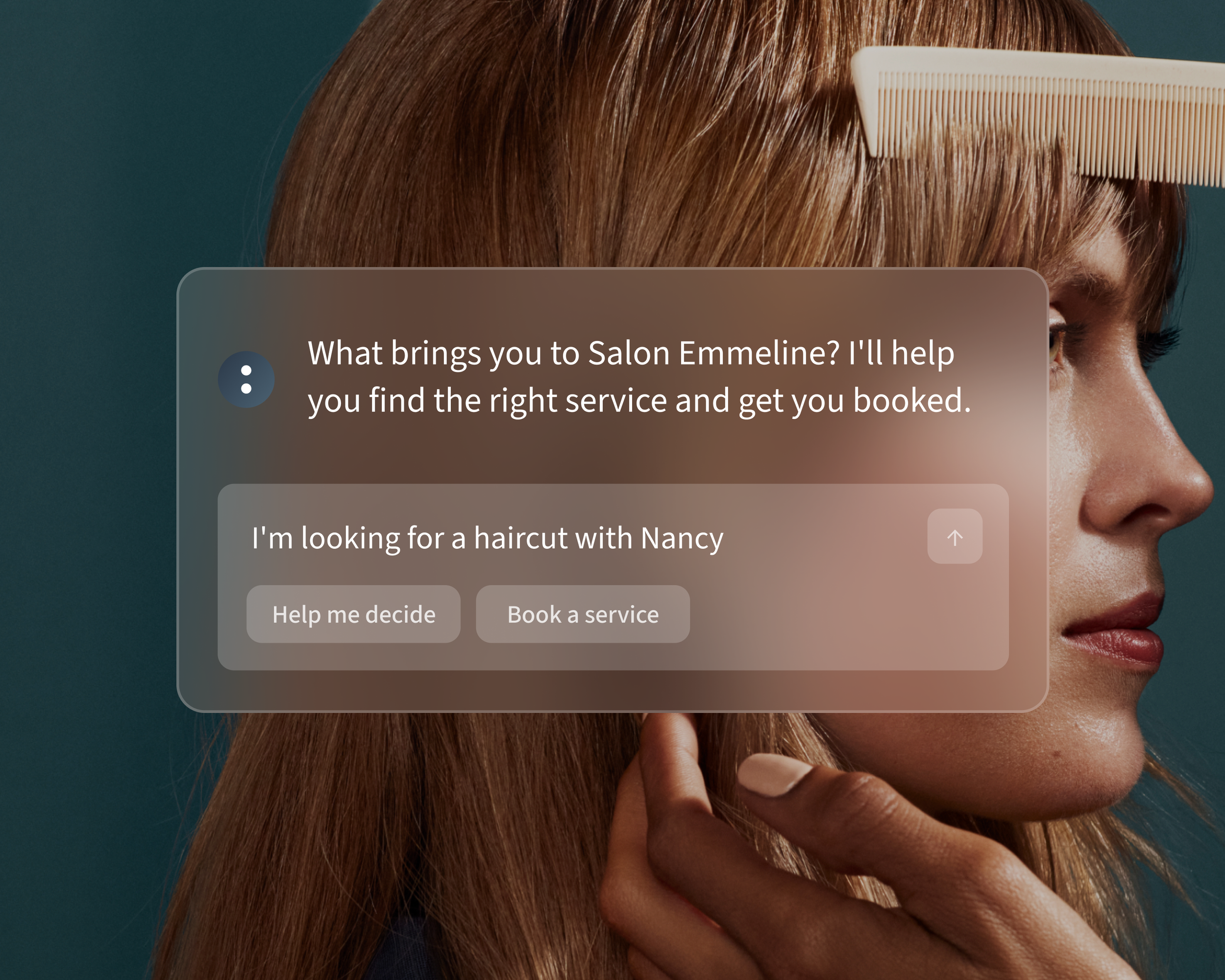
See how it fits your workflow.







FAQ
Will clients feel like they're losing the personal touch if I switch to automated scheduling?
Not if the transition is handled well. Automated scheduling removes the logistical back-and-forth, but your client relationships are built on what happens during and around appointments—not on how they were booked. Customized confirmation messages, thoughtful intake forms, and a polished booking page all reinforce a personal experience, even when the process runs itself.
What's the best way to tell clients about the switch to online booking?
Keep it simple and lead with the benefit. Let clients know that booking is now easier and available anytime. Include a direct link to your booking page, and give them a way to reach you if they have questions. A calm, confident message signals that this is a routine upgrade, not a major change to how you work together.
Do I need to move all my clients to online booking at once?
No. A gradual approach works well for most businesses. You can continue manually booking for a small group of clients while others transition, then guide everyone to the online system over time. There's no deadline. Do what feels manageable for you and your clients.
What if some clients are resistant to online booking?
Give them time. Most clients come around once they see how easy it is. In the meantime, stay flexible. Manually add their appointments when needed, and gently share the booking link as an option rather than a requirement. Forcing the change tends to create friction; patience rarely does.
What features should I set up before launching automated scheduling?
At minimum, configure your availability, your service types, and your confirmation messages before you go live. If you want to reduce no-shows from day one, adding a series of automated reminders is worth the setup time. You can add intake forms, payment collection, and other features like packages and subscriptions once the basics are running smoothly.
How do I make sure automated scheduling still reflects my brand?
With Acuity Scheduling, you can customize your booking page with your logo, brand colors, and personalized messaging. Take time to match the look and language of your booking experience to the rest of your business. A polished, on-brand booking page builds client confidence and makes the experience feel like a natural extension of your work—not a generic third-party tool.
Can I use automated scheduling if I offer different types of services?
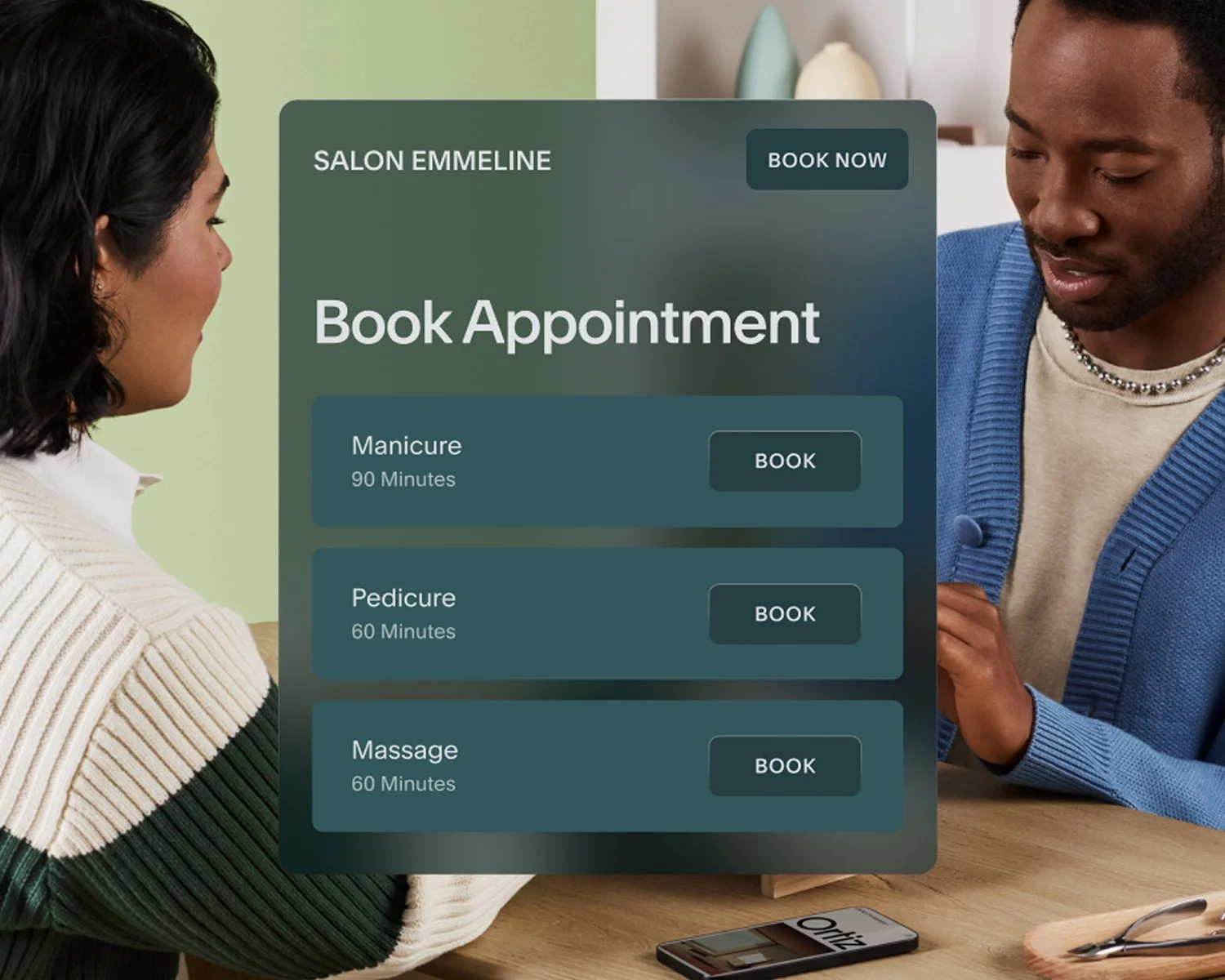
Yes. Scheduling software like Acuity Scheduling supports multiple service types, durations, and session formats—including one-on-one appointments, group classes, packages, and recurring sessions. You can set different availability, pricing, and intake questions for each service type, which gives clients a clear and accurate booking experience no matter what they're scheduling.